Smart Home Integration
Connect your climate monitoring system with leading smart home platforms
App Connectivity
Our dedicated mobile applications provide comprehensive control and monitoring capabilities for your climate sensors. Available for both iOS and Android platforms, the apps offer intuitive interfaces designed for ease of use.

The applications feature real-time data visualization, historical trend analysis, and customizable alert settings. Push notifications keep you informed about significant climate changes, even when you're away from home.
Device Pairing Guides
Setting up your weather station with smart home ecosystems is straightforward with our step-by-step pairing instructions. The process typically takes just a few minutes and requires minimal technical knowledge.
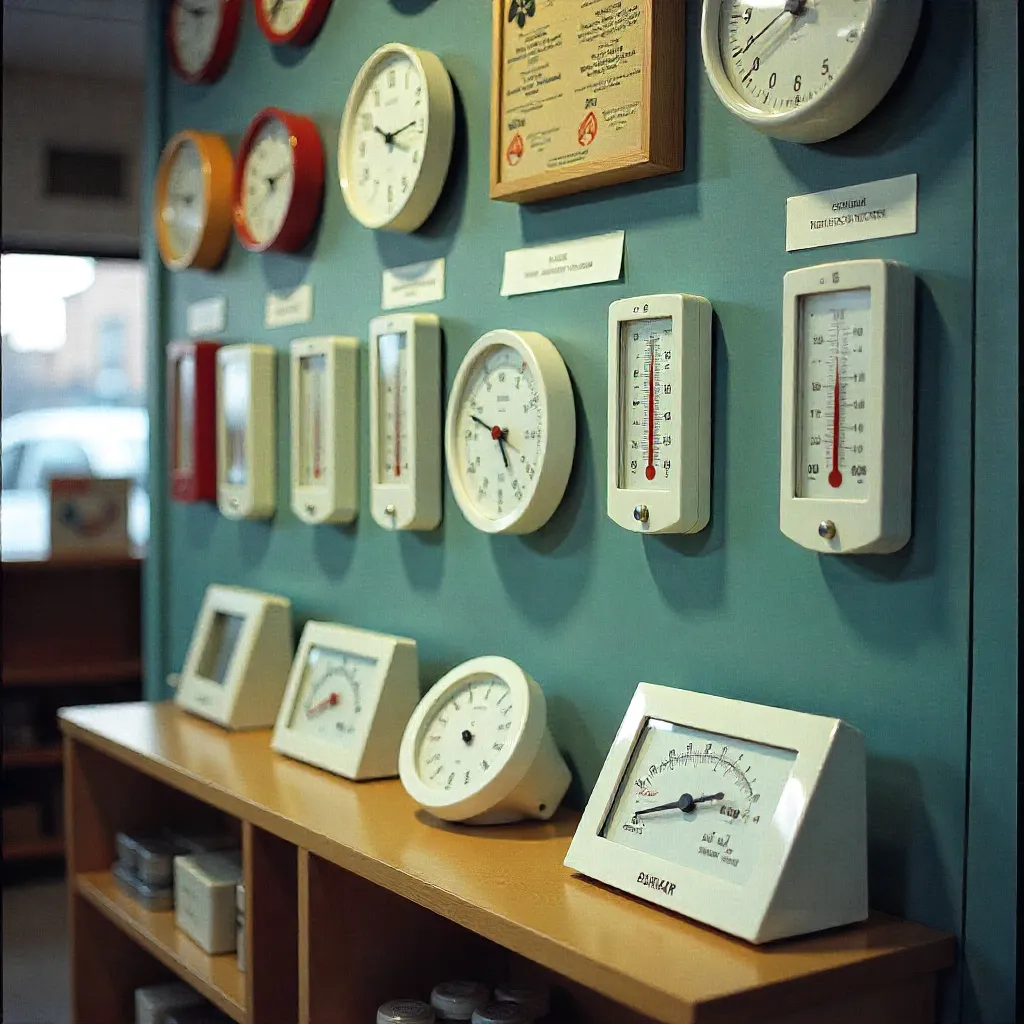
Compatible platforms include Amazon Alexa, Google Home, Apple HomeKit, Samsung SmartThings, and many others. Each integration maintains full functionality while adding voice control and automation capabilities.
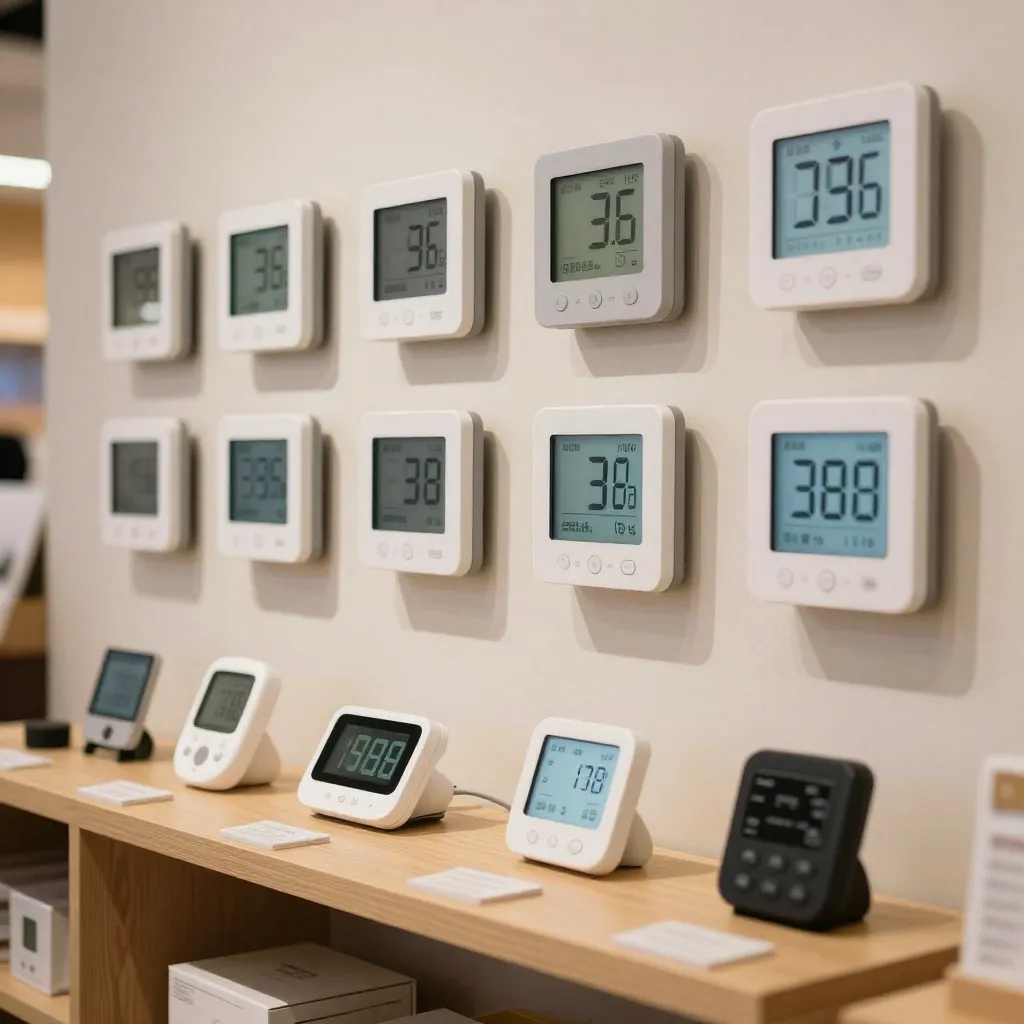
Amazon Alexa
Control temperature monitoring and receive voice updates about your home's climate conditions through Alexa-enabled devices.
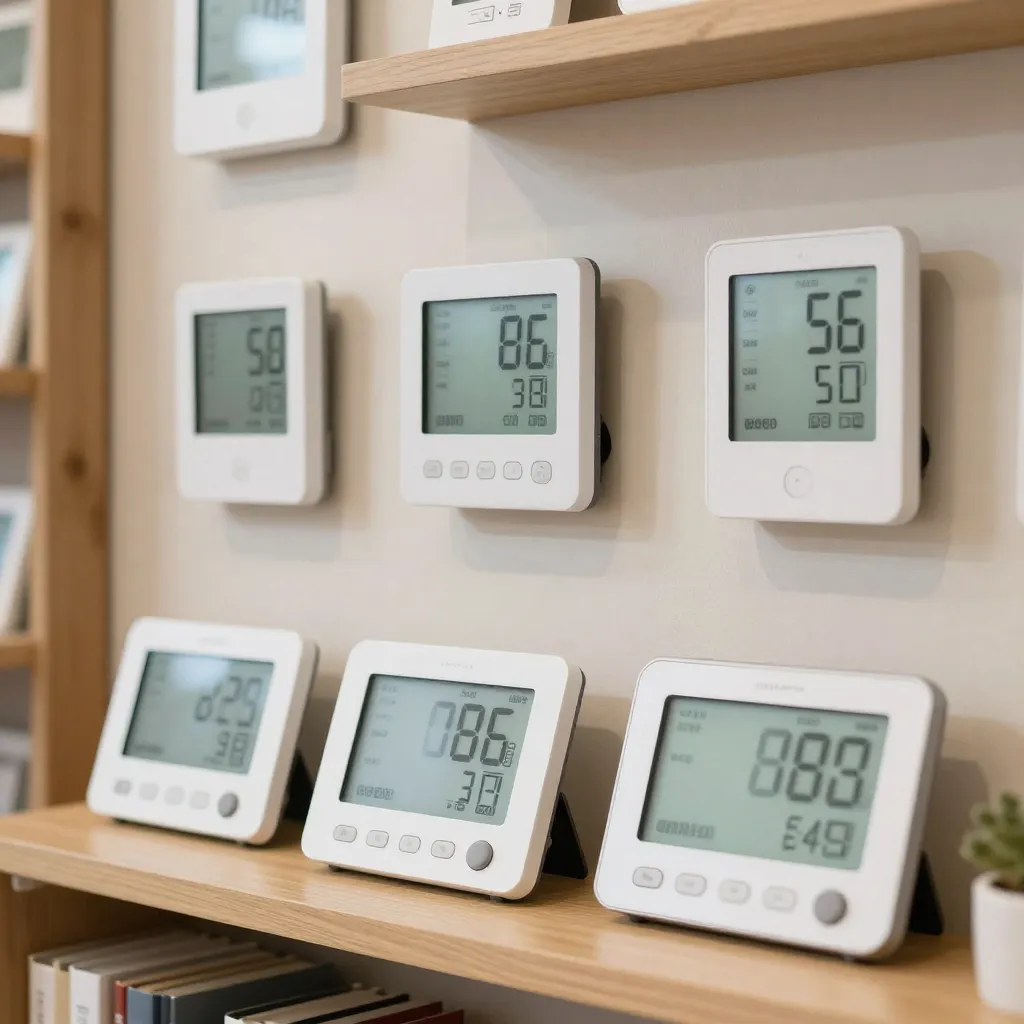
Google Home
Seamlessly integrate with Google Assistant for hands-free climate monitoring and automated home environment management.
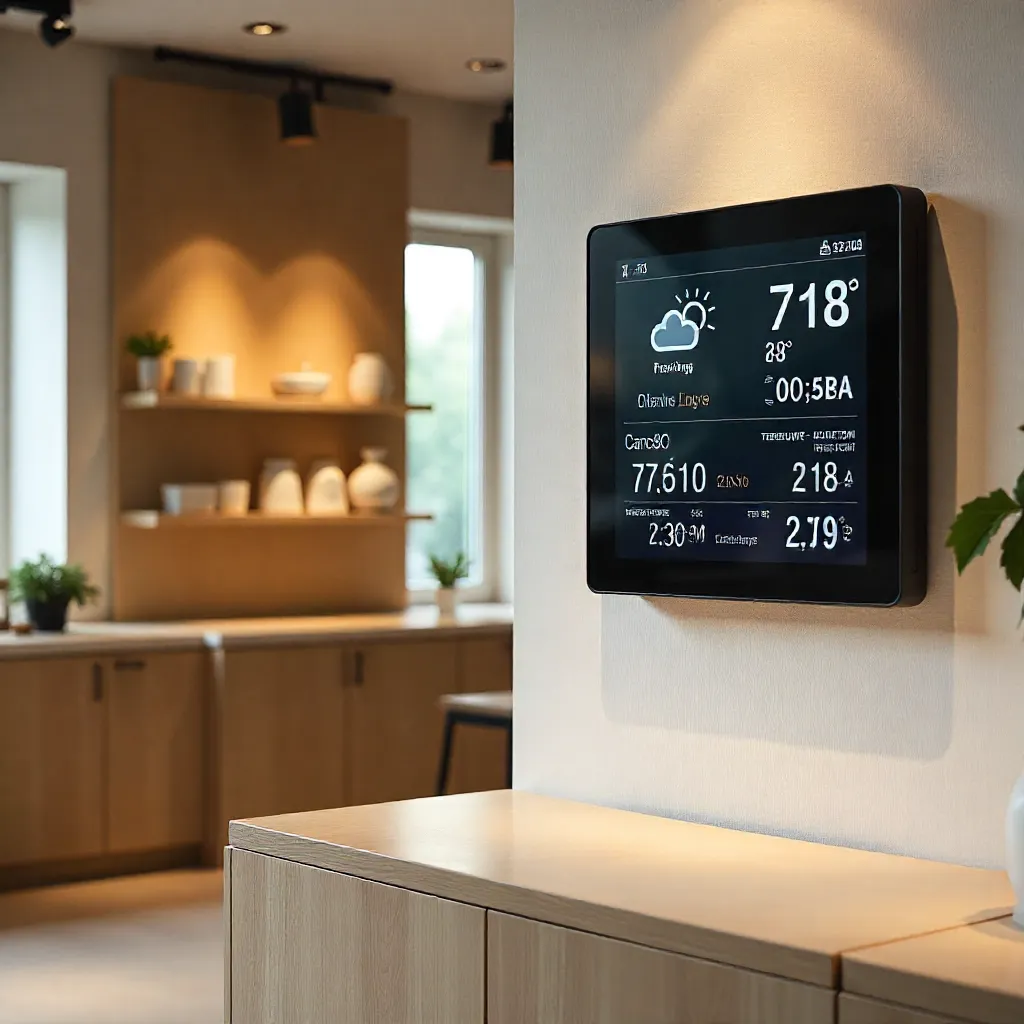
Apple HomeKit
Native HomeKit support enables Siri voice control and integration with the Apple Home app for comprehensive smart home management.
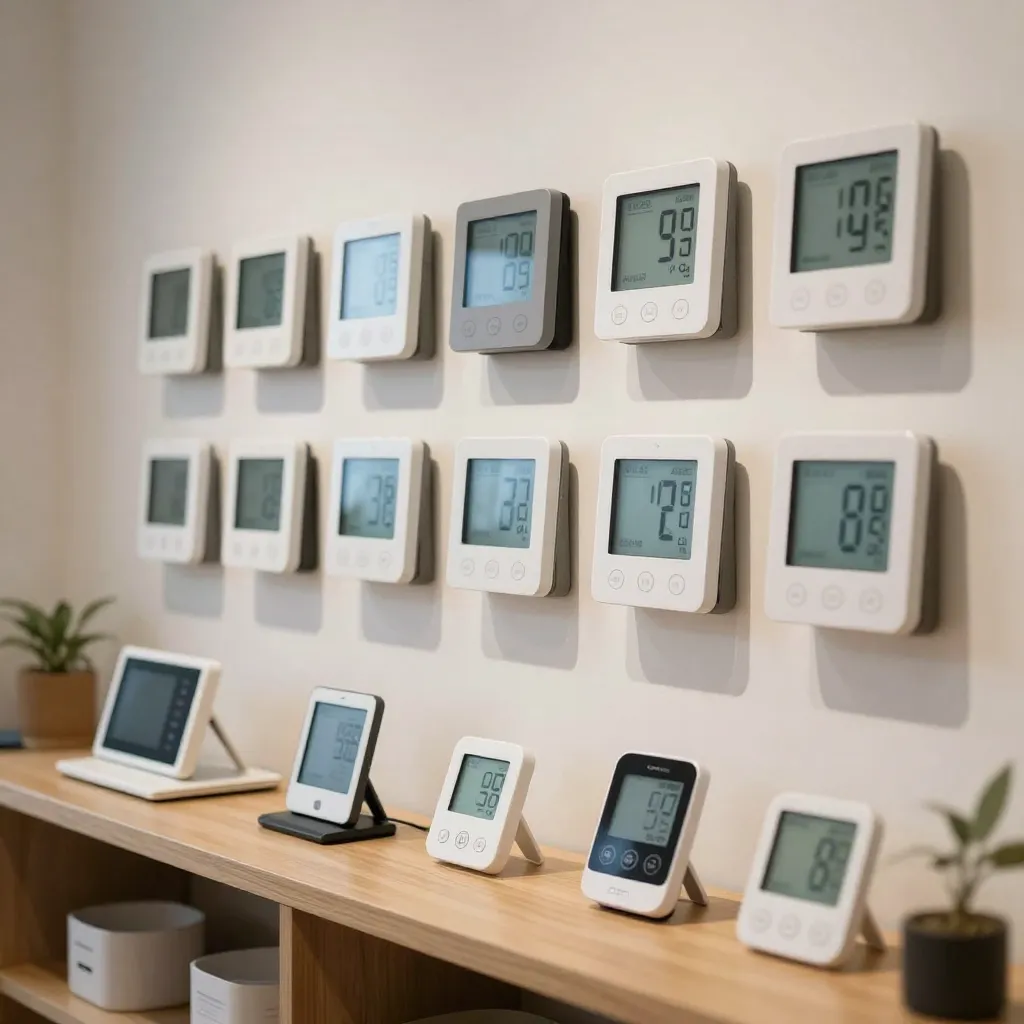
Samsung SmartThings
Connect to SmartThings hubs for advanced automation scenarios and integration with a wide range of compatible smart devices.
Automation Examples
Create powerful automation routines that respond to climate data in real-time. These examples demonstrate the flexibility and capabilities of integrated climate monitoring systems.
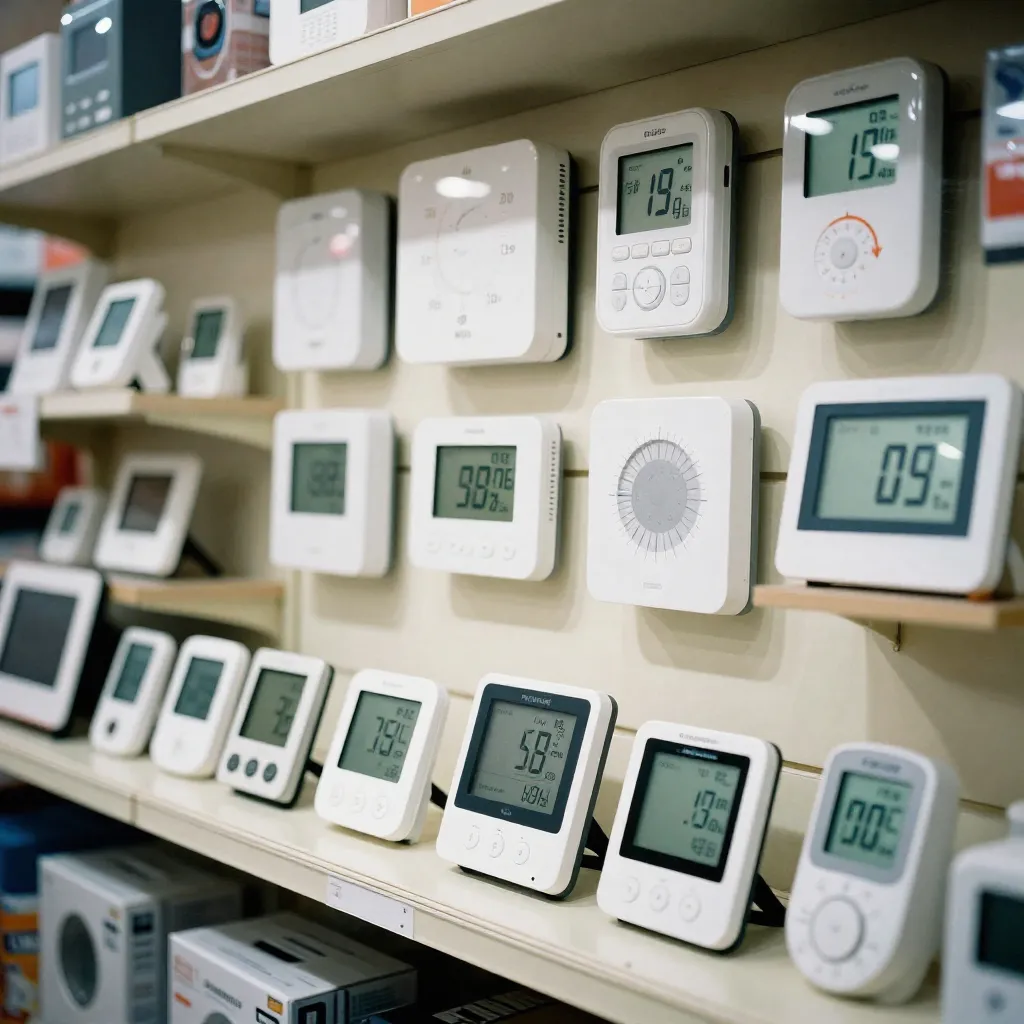
Example scenarios include automatically adjusting heating or cooling systems when temperature thresholds are reached, activating air purifiers when air quality degrades, or sending alerts when humidity levels indicate potential issues.
Interactive Setup Flow
Our guided setup process walks you through each step of connecting your devices. Visual indicators and progress tracking ensure a smooth installation experience.

The setup wizard automatically detects compatible devices on your network and provides clear instructions for pairing. Troubleshooting tips are available at each stage to resolve common connectivity issues quickly.
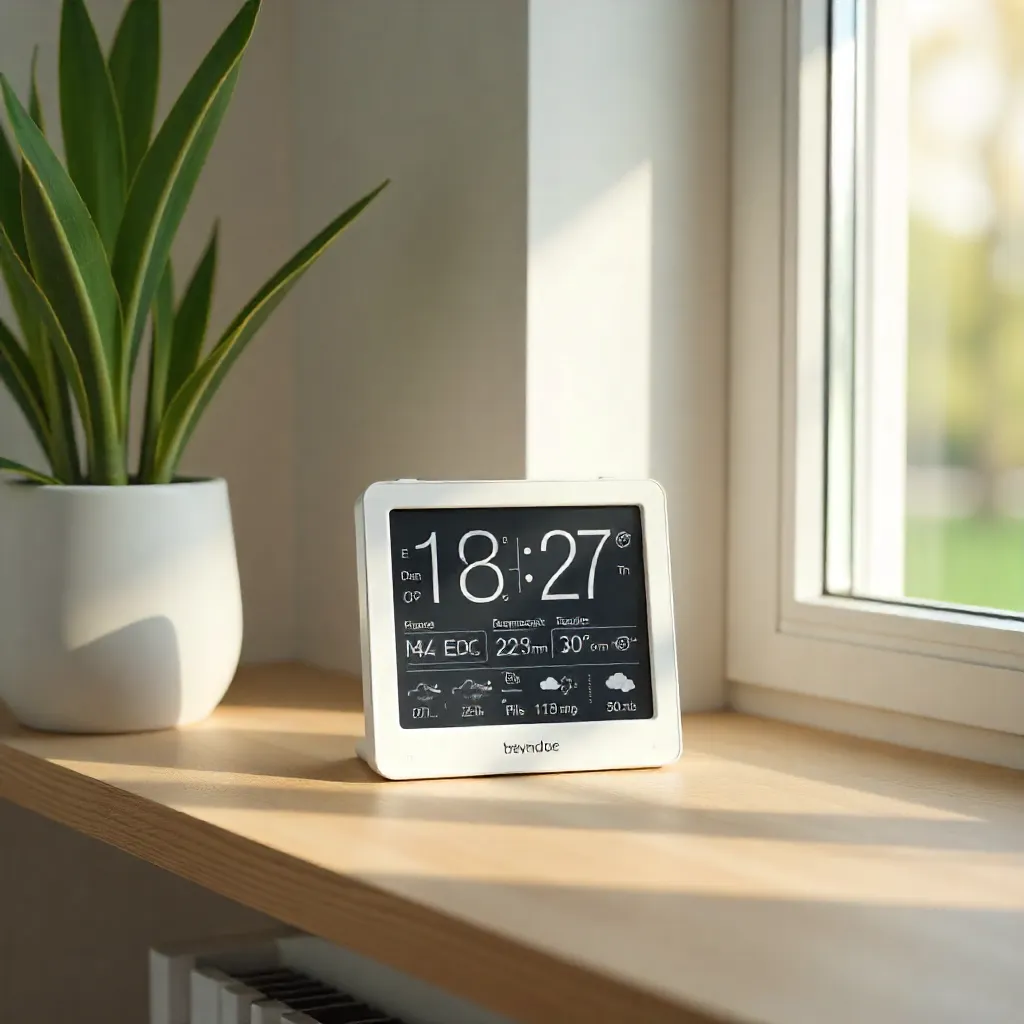
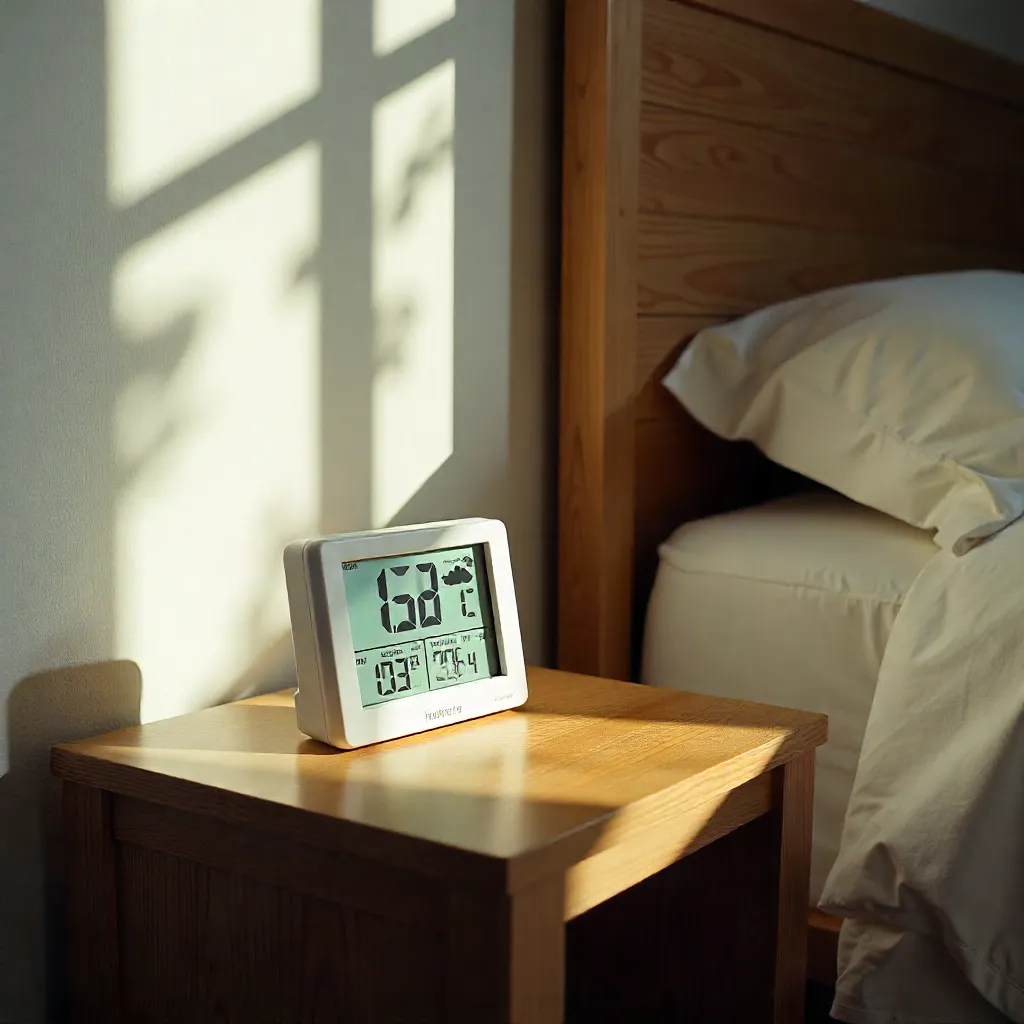
Integration Examples
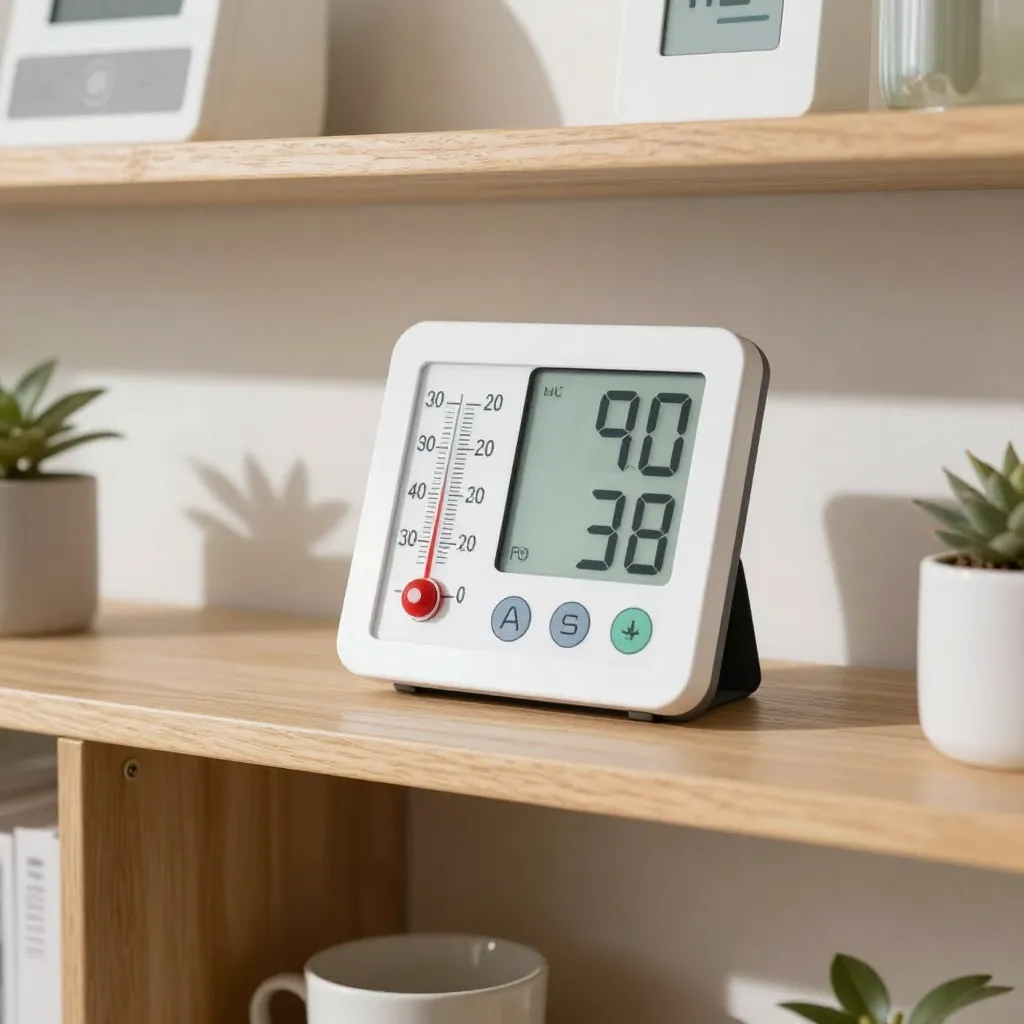
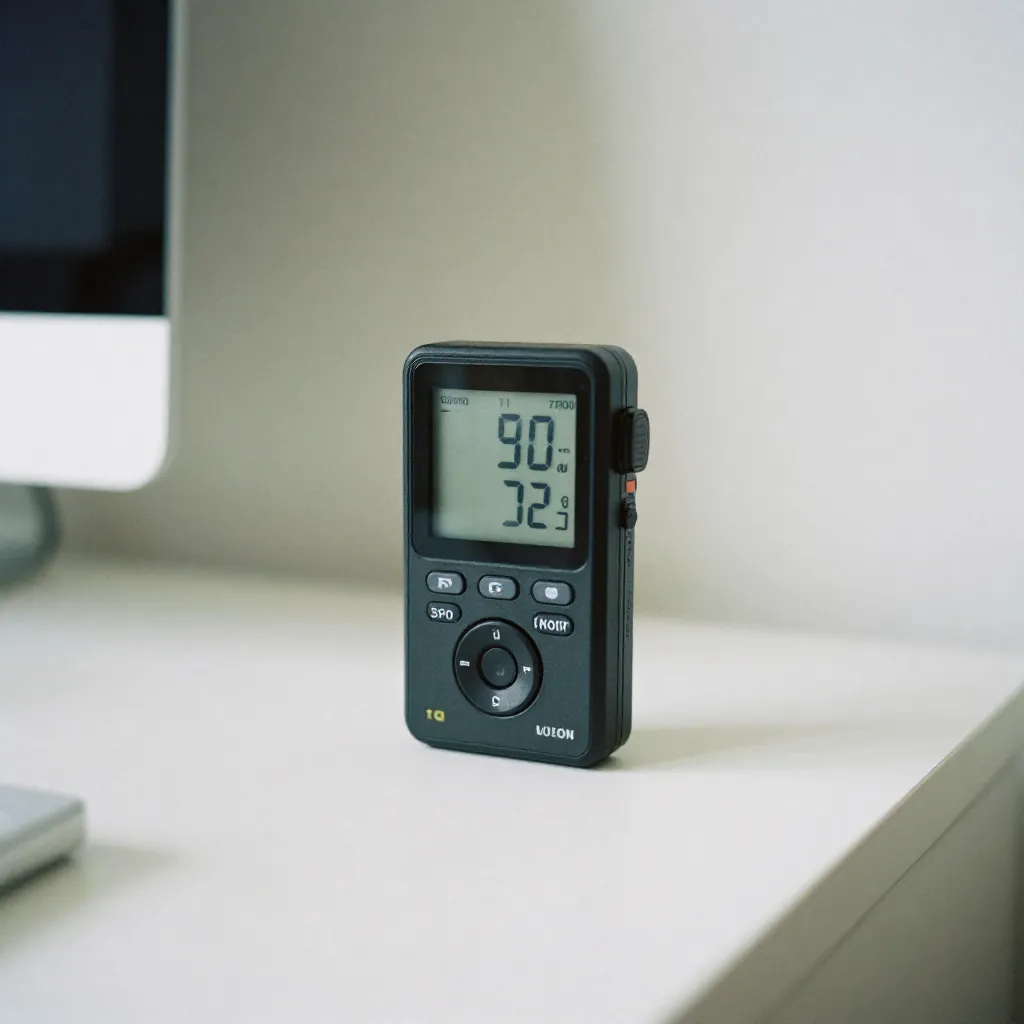
Setup Process
Download Mobile App
Install the companion application from the App Store or Google Play. Create your account and verify your email address to begin the setup process.
Power On Device
Insert batteries or connect the device to power. Wait for the device to initialize and display the setup code on the screen.
Connect to Wi-Fi
Enter your Wi-Fi credentials in the app. The device will automatically connect to your network and register with our cloud service.
Link Smart Home Platform
Open your smart home app and search for new devices. Select your climate sensor from the list and complete the pairing process.
Configure Automation
Set up automation rules and alerts based on your preferences. Customize thresholds for temperature, humidity, and air quality notifications.
Integration Benefits
-
Seamless Connectivity
Connect effortlessly with major smart home platforms without complex configuration or technical expertise required.
-
Energy Efficiency
Automate your HVAC system based on real-time climate data, reducing energy consumption and lowering utility bills.
-
Remote Monitoring
Access your climate data from anywhere in the world through secure cloud connectivity and mobile applications.
-
Voice Control
Use natural language commands to check readings and adjust settings through popular voice assistants.