Indoor Climate Tips
Expert guidance for optimal sensor placement and climate management
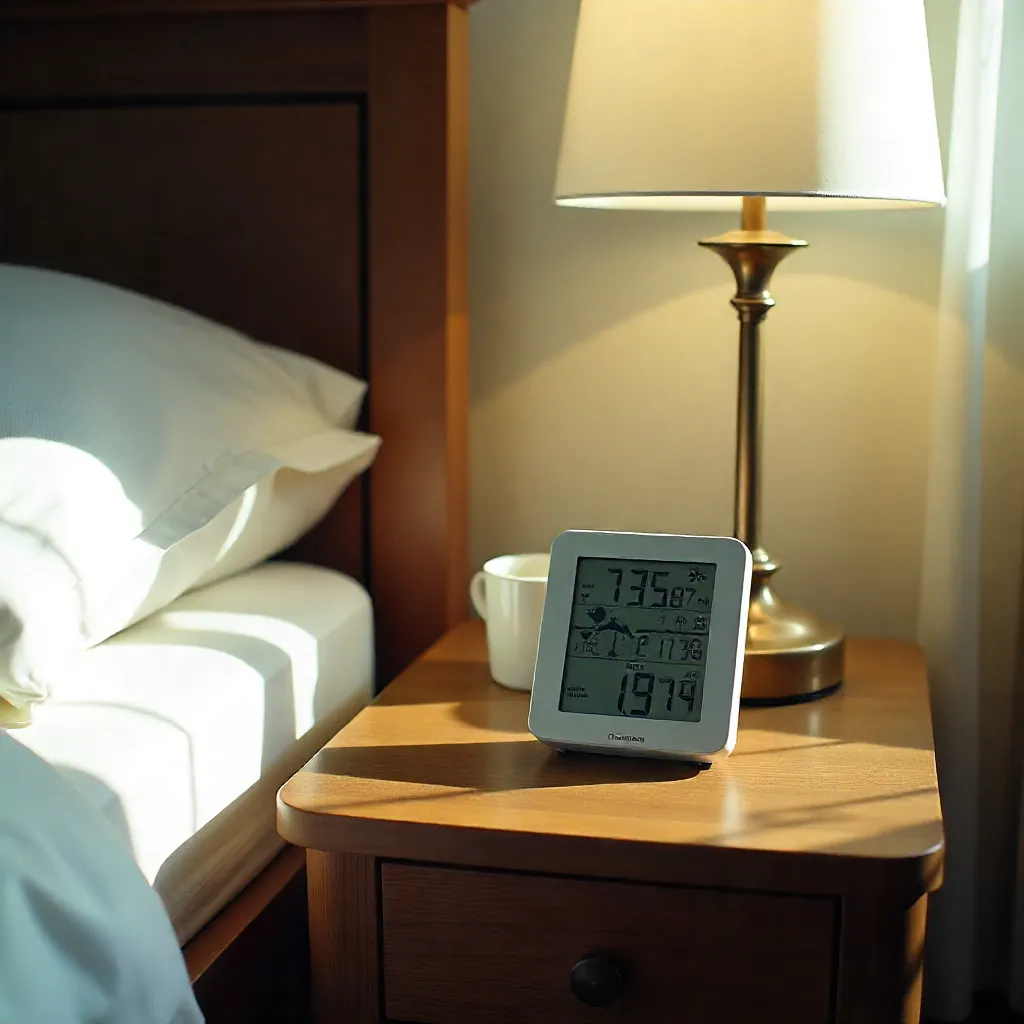
Best Placement Tips for Sensors
Proper sensor placement is crucial for accurate climate monitoring. Strategic positioning ensures reliable readings that reflect the true conditions of your indoor environment.
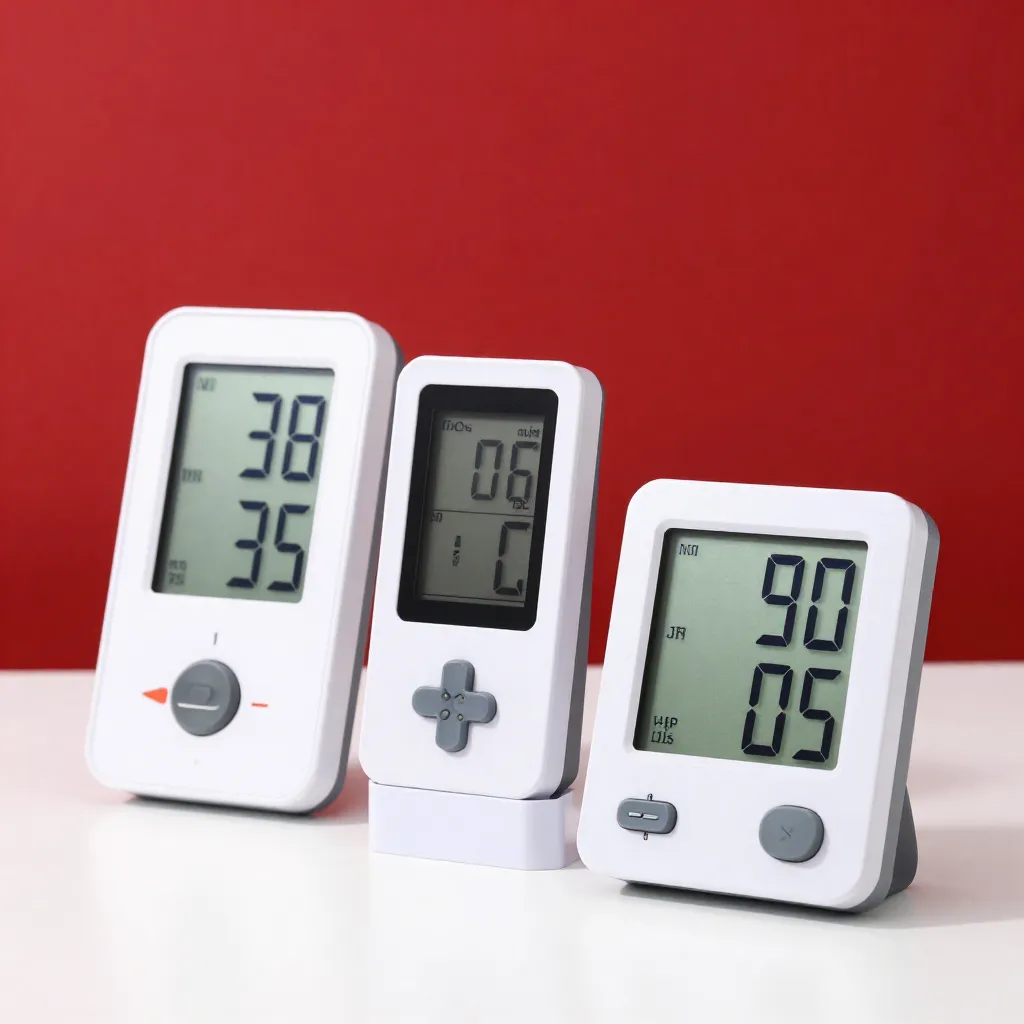
Place sensors at eye level, approximately 1.5 meters above the floor, away from direct heat sources, windows, and ventilation outlets. Avoid locations near electronics that generate heat, as this can skew temperature readings.
-
Central Room Positioning
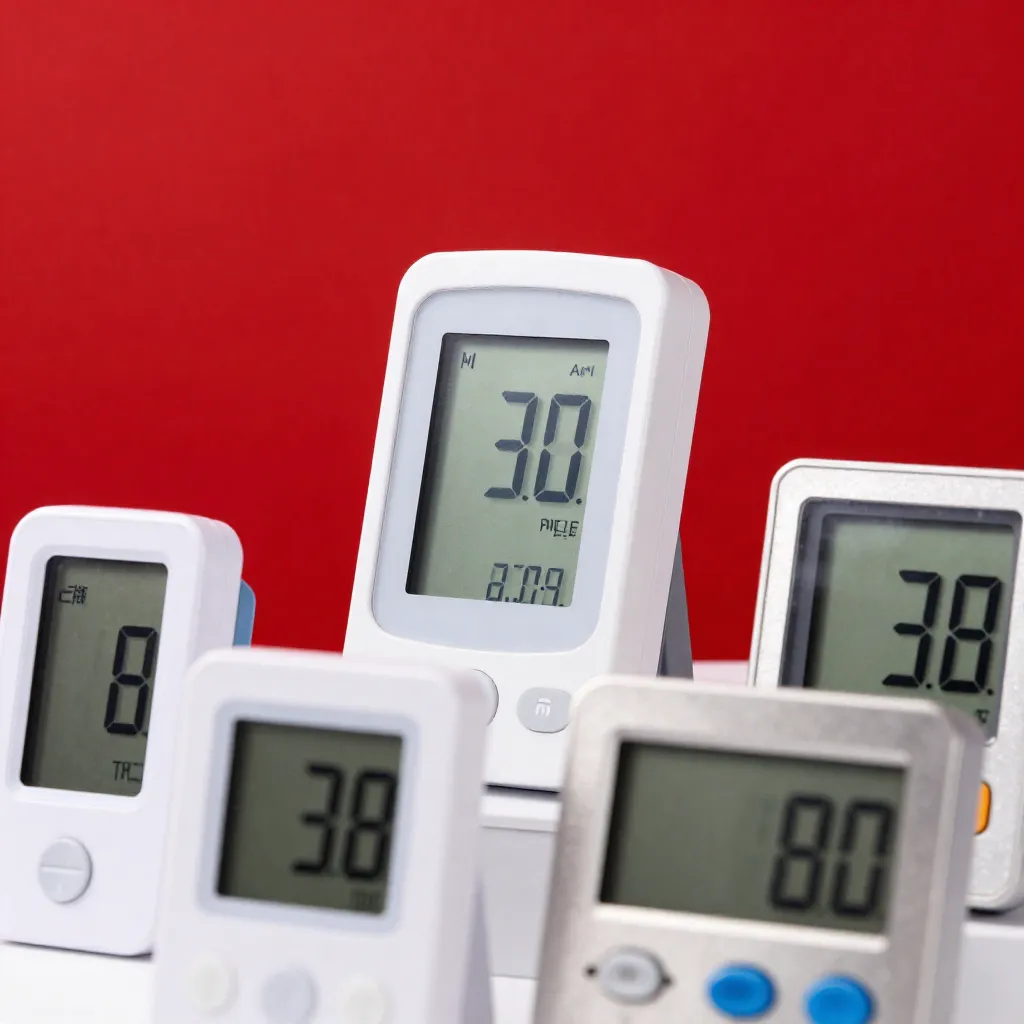
Position sensors in the center of frequently used rooms, away from exterior walls and windows. This provides the most representative readings of the overall room climate.
-
Avoid Heat Sources
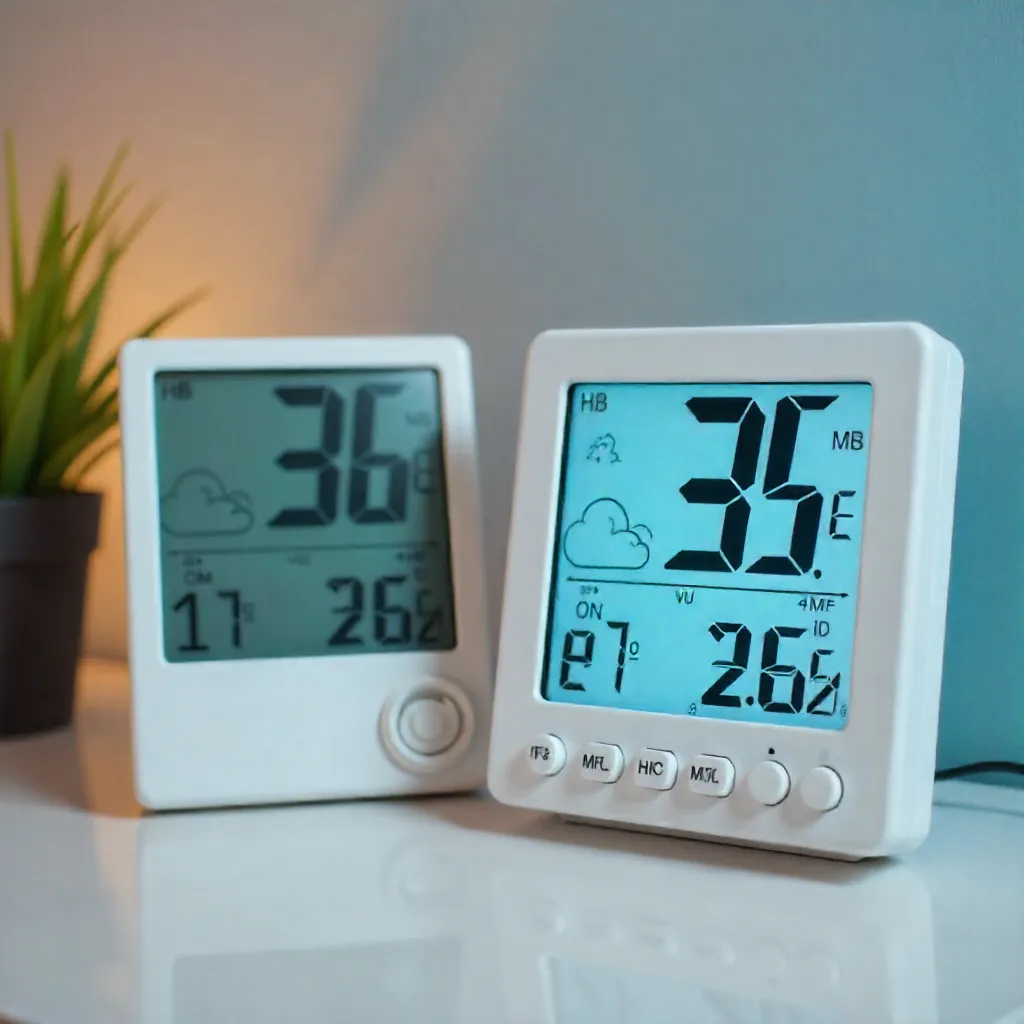
Keep sensors at least 1.5 meters away from radiators, heating vents, appliances, and direct sunlight. These heat sources can cause localized temperature spikes that don't reflect room conditions.
-
Multi-Room Coverage
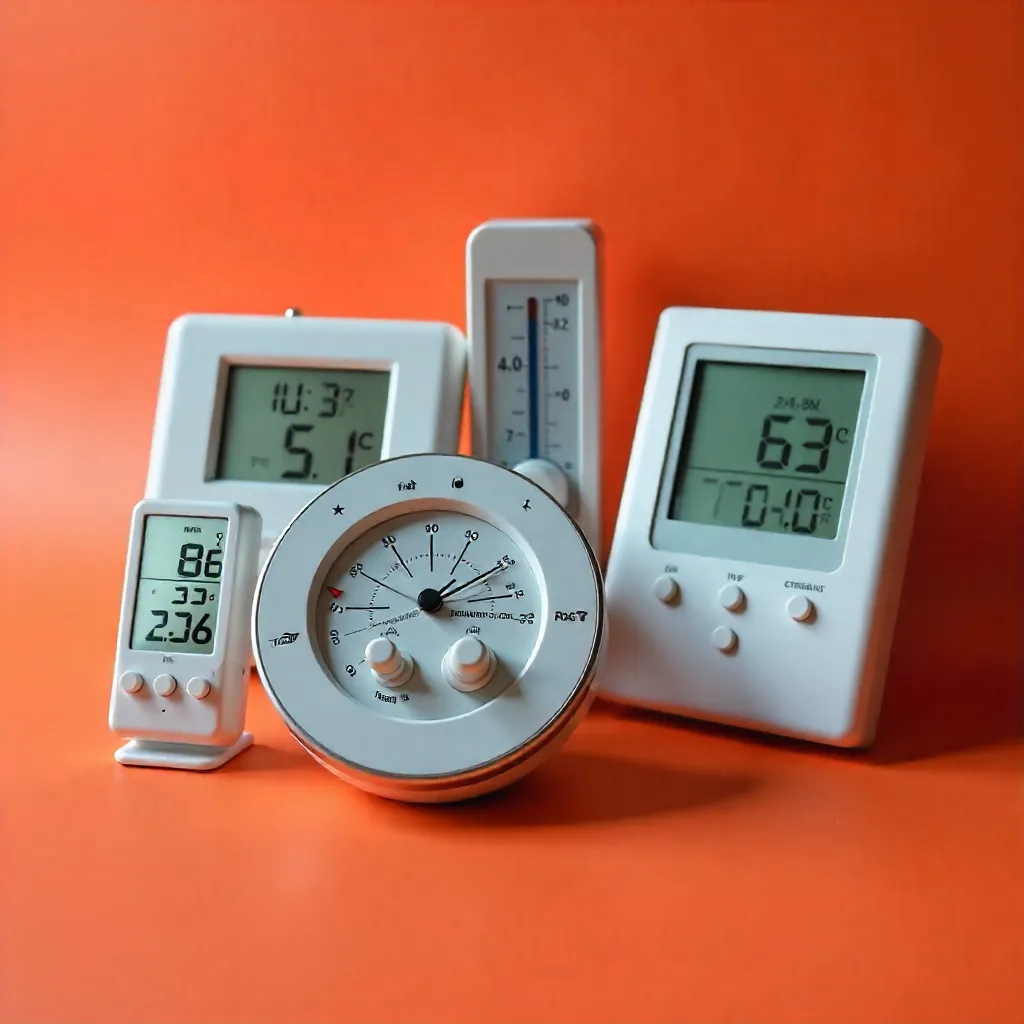
Install sensors in key areas such as living rooms, bedrooms, and kitchens. Different rooms may have varying climate conditions, and comprehensive monitoring helps optimize comfort throughout your home.
Indoor Climate Optimization Guides
Maintaining optimal indoor climate conditions enhances comfort, supports well-being, and can improve energy efficiency. Understanding ideal ranges helps you make informed adjustments.
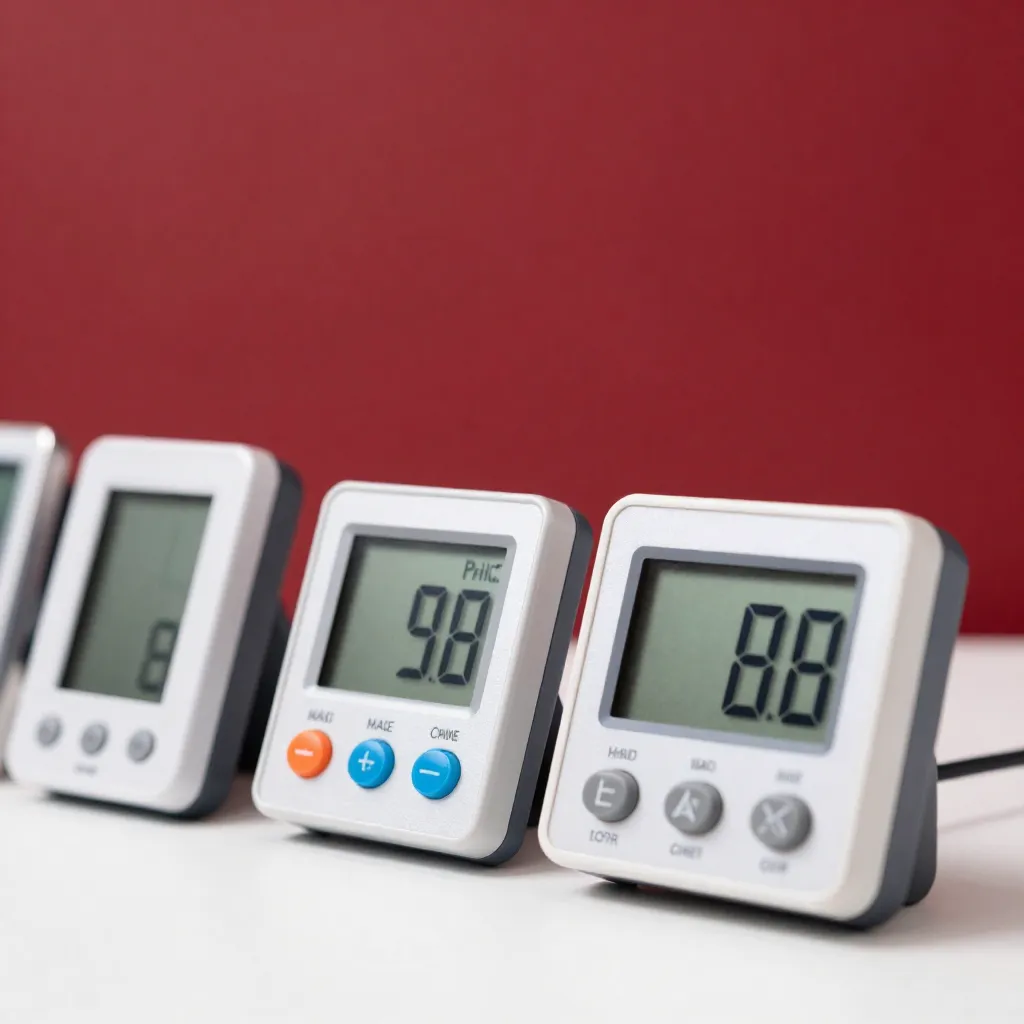
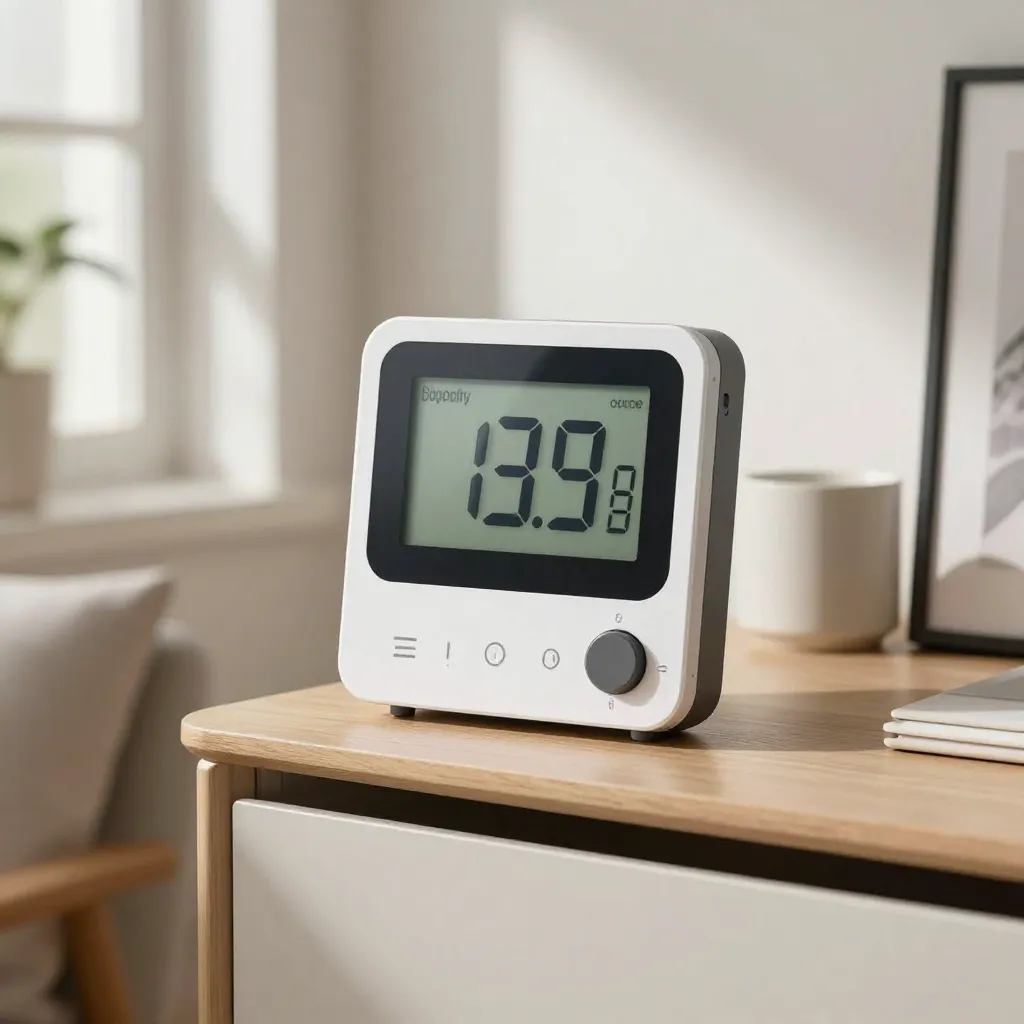
Recommended temperature ranges vary by season and personal preference, typically between 20°C and 22°C during winter and 24°C to 26°C during summer. Humidity levels should ideally remain between 40% and 60% relative humidity for optimal comfort.
Seasonal Recommendations
Climate management strategies should adapt to seasonal changes. Different approaches optimize comfort and efficiency throughout the year.
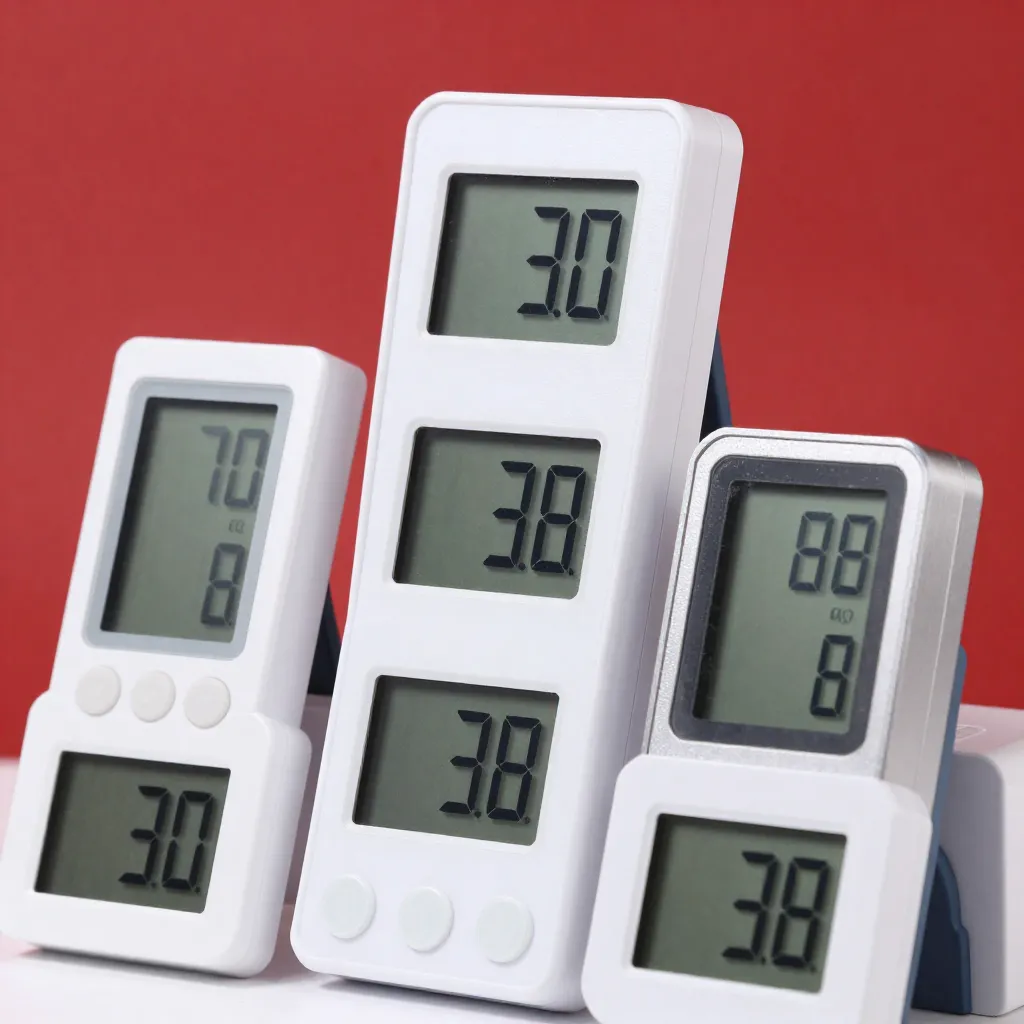
During winter months, focus on maintaining consistent temperatures while managing humidity levels that may drop due to heating systems. In summer, prioritize air circulation and humidity control to prevent excessive moisture buildup.
-
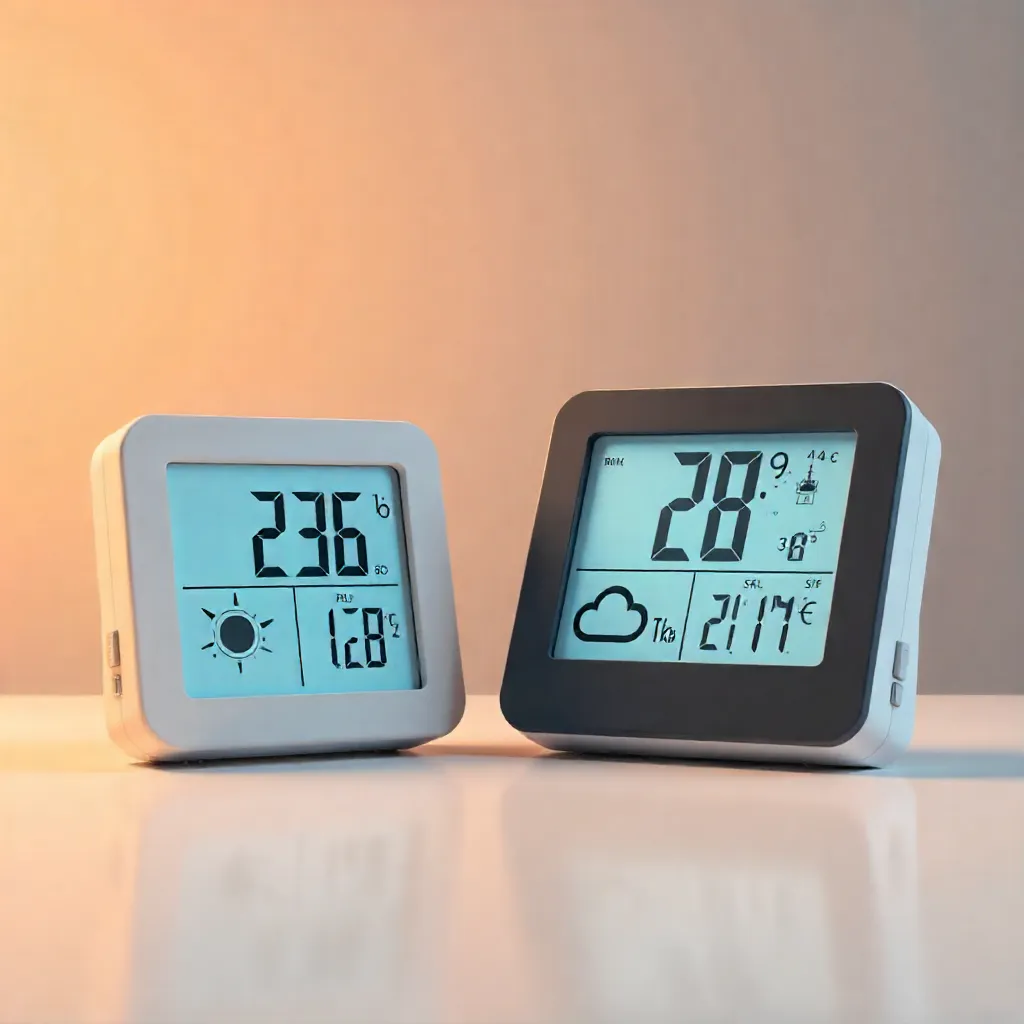
Winter Climate Management
Monitor humidity levels closely during heating season, as forced-air systems can significantly reduce indoor moisture. Consider using humidifiers to maintain comfortable humidity ranges between 40% and 50%.
-
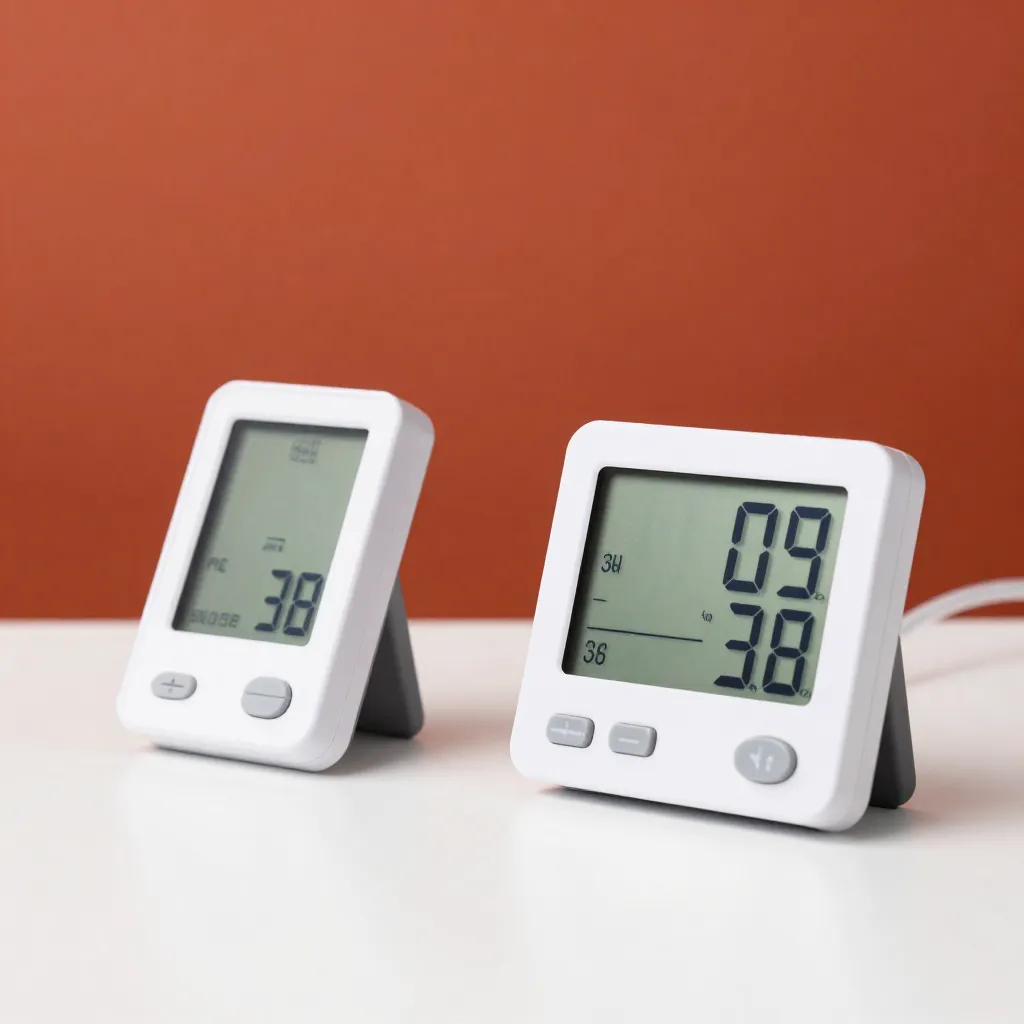
Summer Ventilation
Utilize natural ventilation during cooler evening hours to reduce indoor temperatures. Monitor humidity levels to prevent excessive moisture that can lead to discomfort and potential issues.
-
Transition Season Adjustments
Spring and fall require flexible climate management as outdoor conditions fluctuate. Use your sensors to identify patterns and adjust heating or cooling systems accordingly for optimal comfort and efficiency.
Maintenance and Calibration
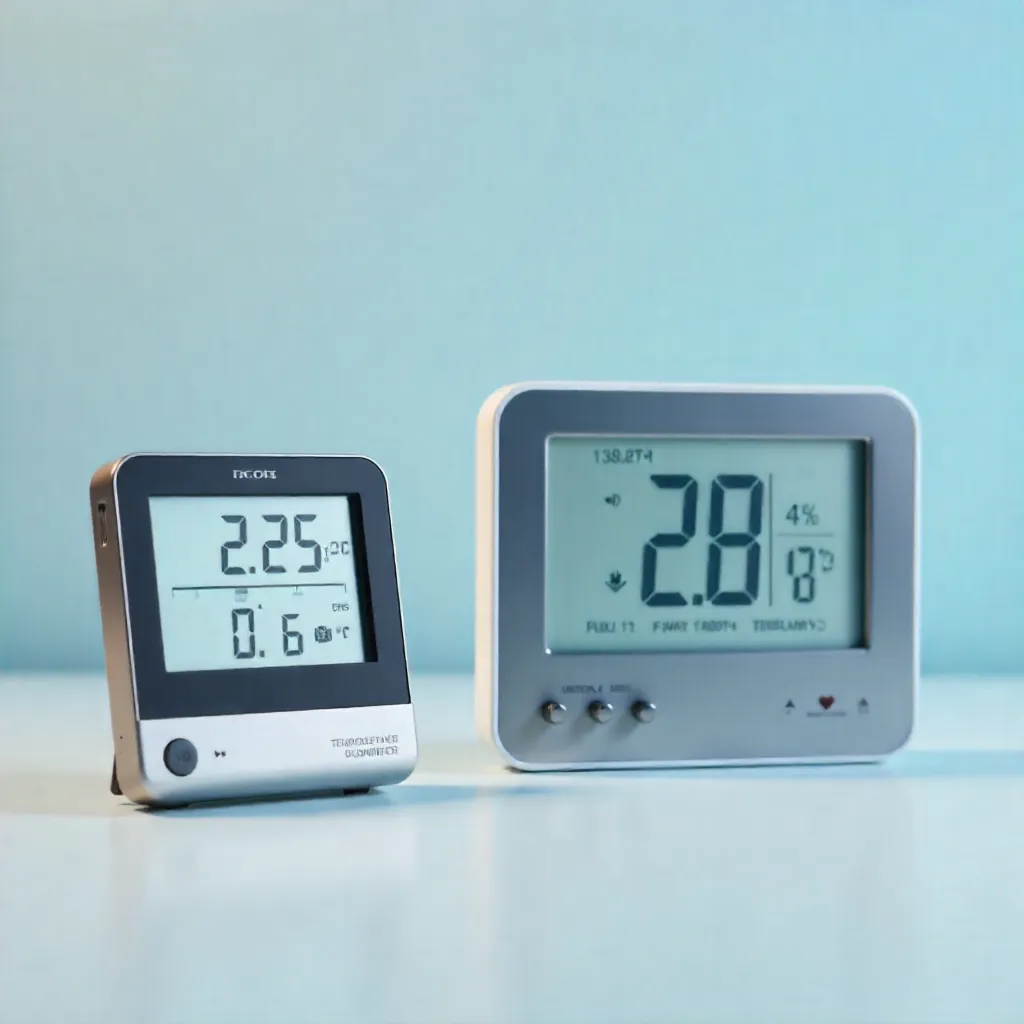
Regular maintenance ensures continued accuracy and reliable performance. Simple cleaning and periodic calibration checks help maintain optimal sensor functionality.
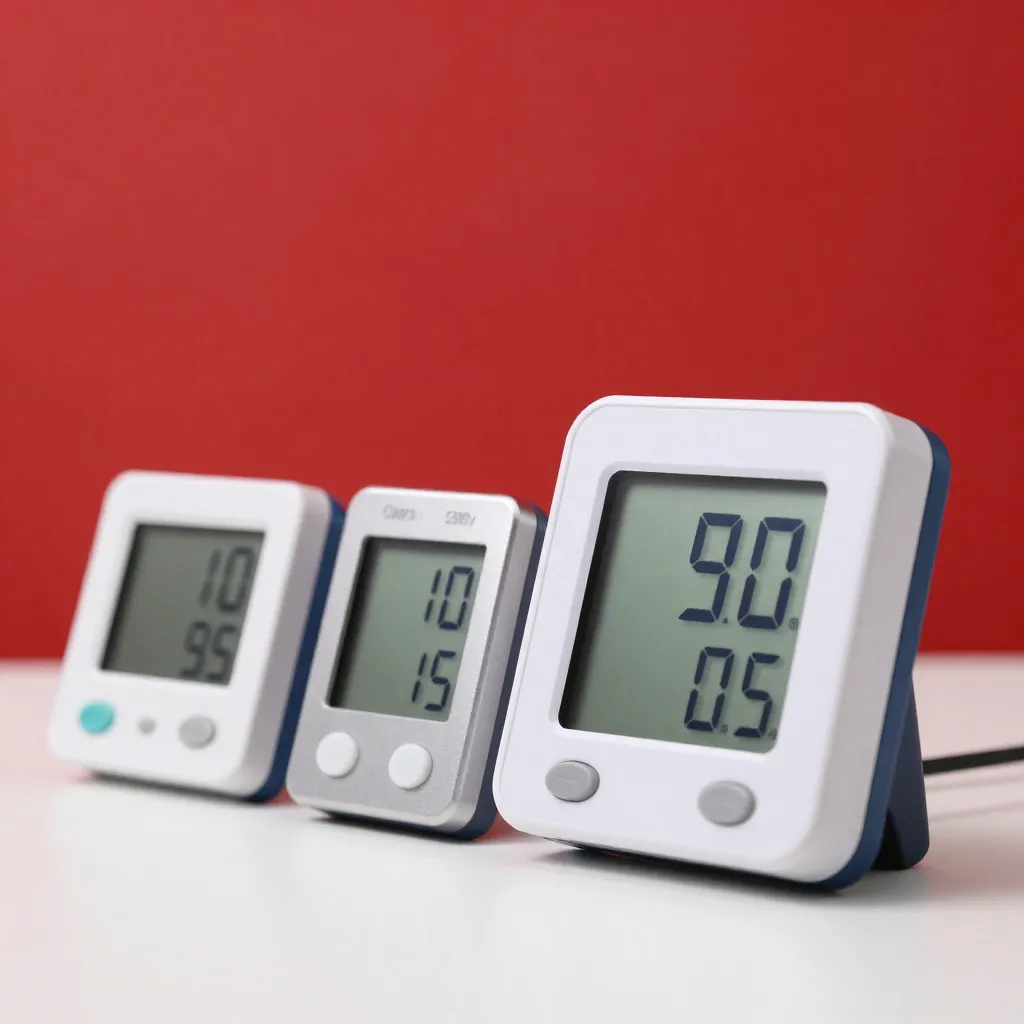
Clean sensor surfaces monthly with a soft, dry cloth to remove dust and debris. Avoid using cleaning solutions that could damage sensitive components. Most modern sensors include automatic calibration features that maintain accuracy over time.
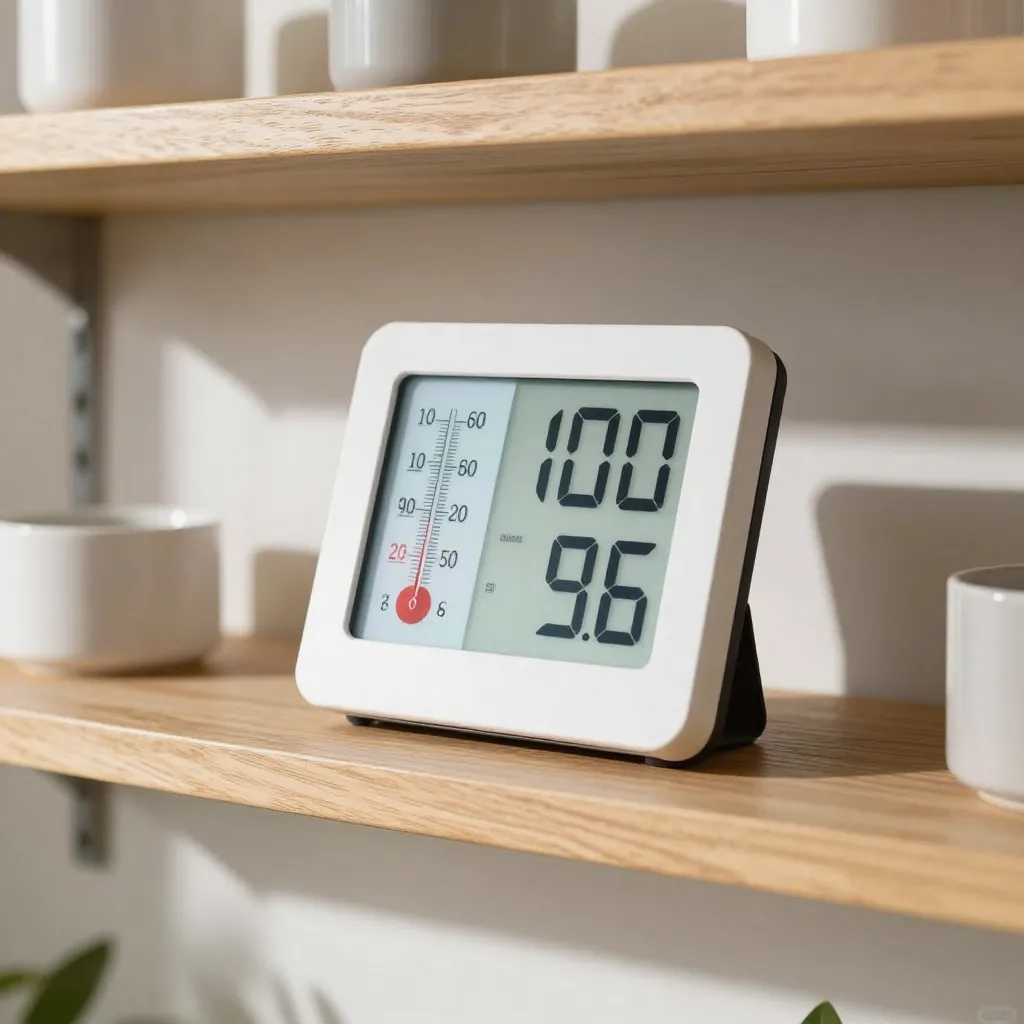
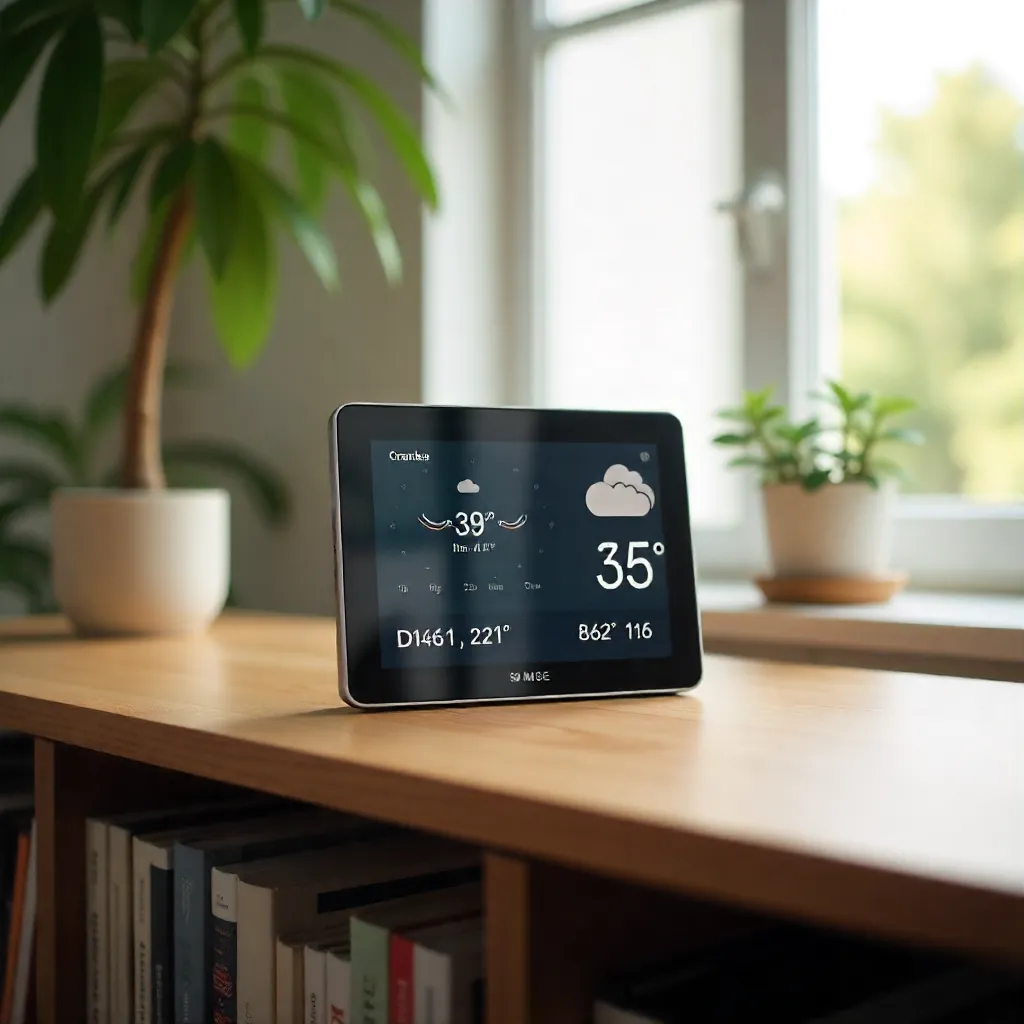
Climate Optimization Visual Guide
Frequently Asked Questions
Most modern sensors include automatic calibration features that maintain accuracy over time. However, we recommend performing a manual calibration check every 6-12 months, or if you notice readings that seem inconsistent with your expectations. Follow the calibration instructions in your device manual for best results.
Yes, but placement is crucial. Keep sensors at least 1.5 meters away from direct steam sources, heat-generating appliances, and water. Mount them on interior walls away from showers, stovetops, and sinks. Consider using models with higher humidity tolerance ranges for these environments.
Optimal indoor humidity ranges between 40% and 60% relative humidity. Levels below 30% can cause dry skin and respiratory irritation, while levels above 60% promote mold growth and dust mites. Use humidifiers or dehumidifiers as needed to maintain this range.
Most devices display a battery indicator on the screen or in the mobile app. When battery levels drop below 20%, you'll typically receive a notification. Replace batteries promptly to ensure continuous monitoring. Low battery can affect sensor accuracy.
Absolutely! Our systems support multi-sensor networks that provide comprehensive climate mapping across your entire home. You can view individual room data or aggregate readings for whole-home averages. The mobile app allows you to manage all sensors from a single dashboard.